 Woxpas
Starry Eyes
The whole sky, wherever you look.
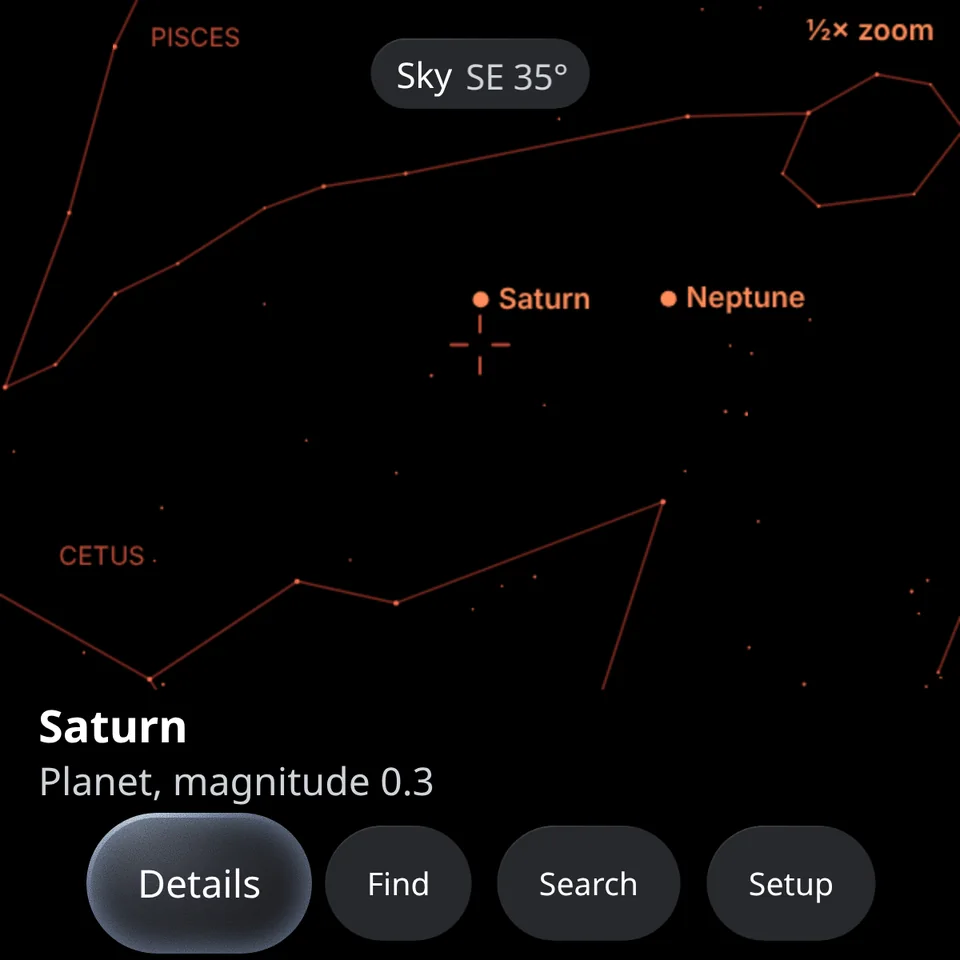
Look in any direction, up, down or around, and Starry Eyes labels the planets, stars and constellations there, even the ones below the horizon. Ask “where is Jupiter?” and an arrow points your head to it. Plane spotting is in development.
What it does
A planetarium, right where you’re looking.
-
The live sky
Stars down to magnitude 5.5, the planets, the Moon, constellation lines and the horizon, all following your head as you look around.
-
Planes overhead In development
Live aircraft labelled where they fly, with airline, route and height. Coming in a later version.
-
Find anything
Say or write a name. It handles misspellings and common names like “north star”, “big dipper” or “the red planet”.
-
Guided to it
An edge arrow and “20° left, 35° up” lead you on. A ring shows when it’s in view, and if it’s below the horizon you’re told when it rises.
-
Ask Meta AI
“Where’s Jupiter?” “What am I looking at?” Voice works through Meta AI, and everything works without it too.
-
Made for the night
Red-only colours after dusk keep your night vision, and it never guides you towards the Sun.
On the glasses
-
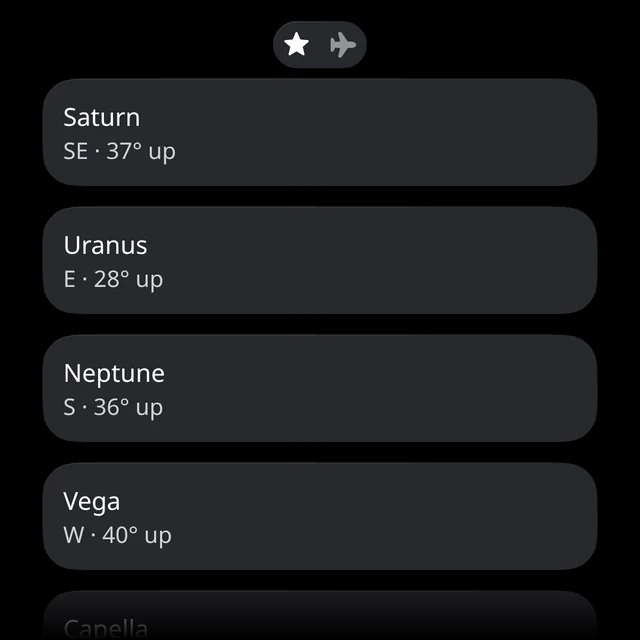
The planets and brightest stars, above the horizon first. -
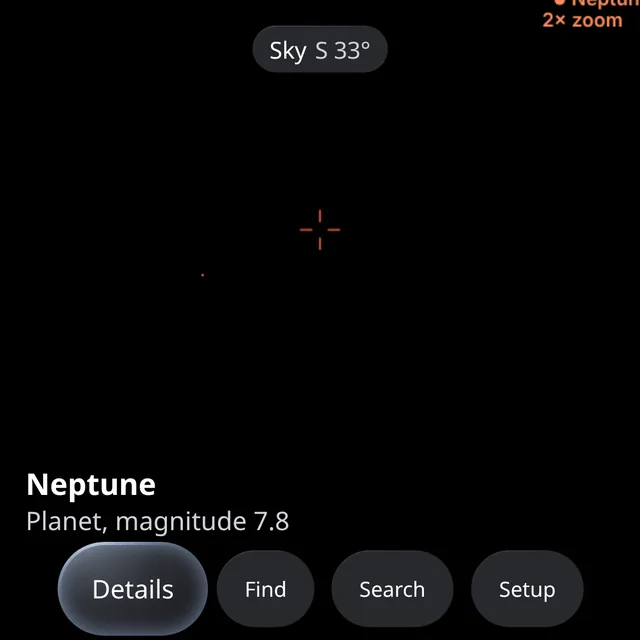
Zoom in on faint planets like Neptune. -
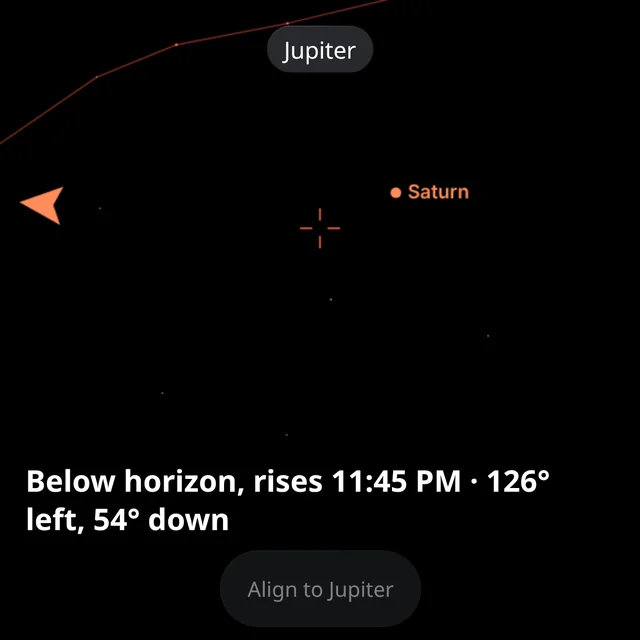
Below the horizon? It says when it rises.
Get started
Add it to your glasses in a minute.
- Open the Meta AI appGo to Devices, then Display Glasses settings, App connections, Web apps, and Add a web app.
- Enter the addressType starryeyes.woxpas.ai and save it.
- Look upOpen Starry Eyes on your glasses, press Start, and allow motion and location.
Sky positions are worked out on the glasses from the time and your location, and the app works offline after the first load.
Credits
Starry Eyes is built on open data and open-source work. Thank you to:
- Stars and constellationsd3-celestial, © 2015 Olaf Frohn, BSD 3-Clause licence. Star positions derive from the ESA Hipparcos catalogue.
- Planet positionsAstronomy Engine, © Don Cross, MIT licence.
- InterfaceUI Toolkit for Meta Ray-Ban Display, Apache 2.0 licence.
- FontNoto Sans, SIL Open Font License 1.1.